
 Scientific Collection Label Maker
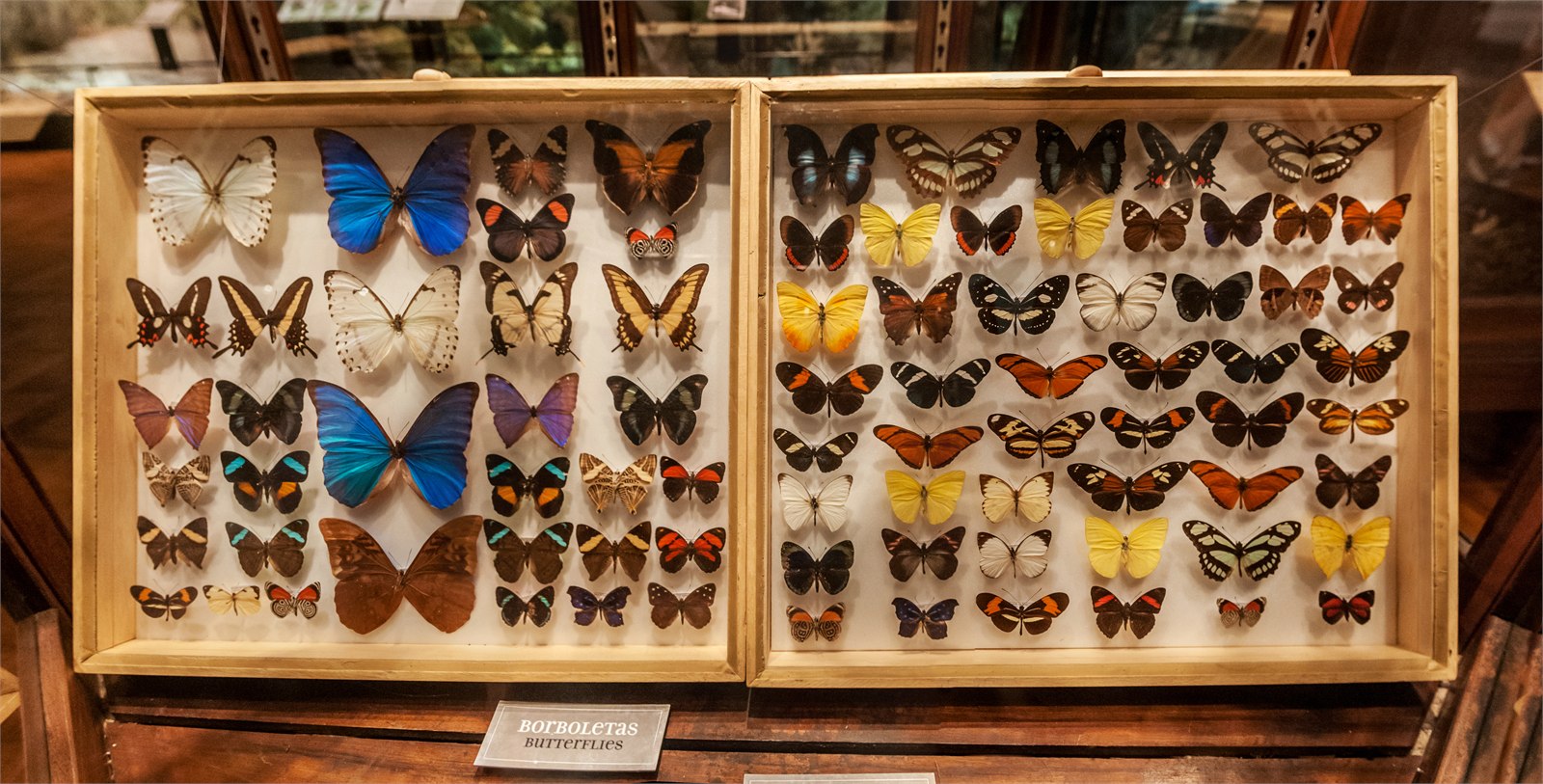
Entomological Collections
Insects, specimen records and collection labels.
Design, organize and print professional labels for scientific collections.
EntomoLabels brings exact dimensions, reusable templates, structured data and print-ready output into one focused workspace—built for the small objects that carry essential scientific context.
Prefer the classic desktop application? Windows Desktop Version remains available on our original website.
Scientific applications
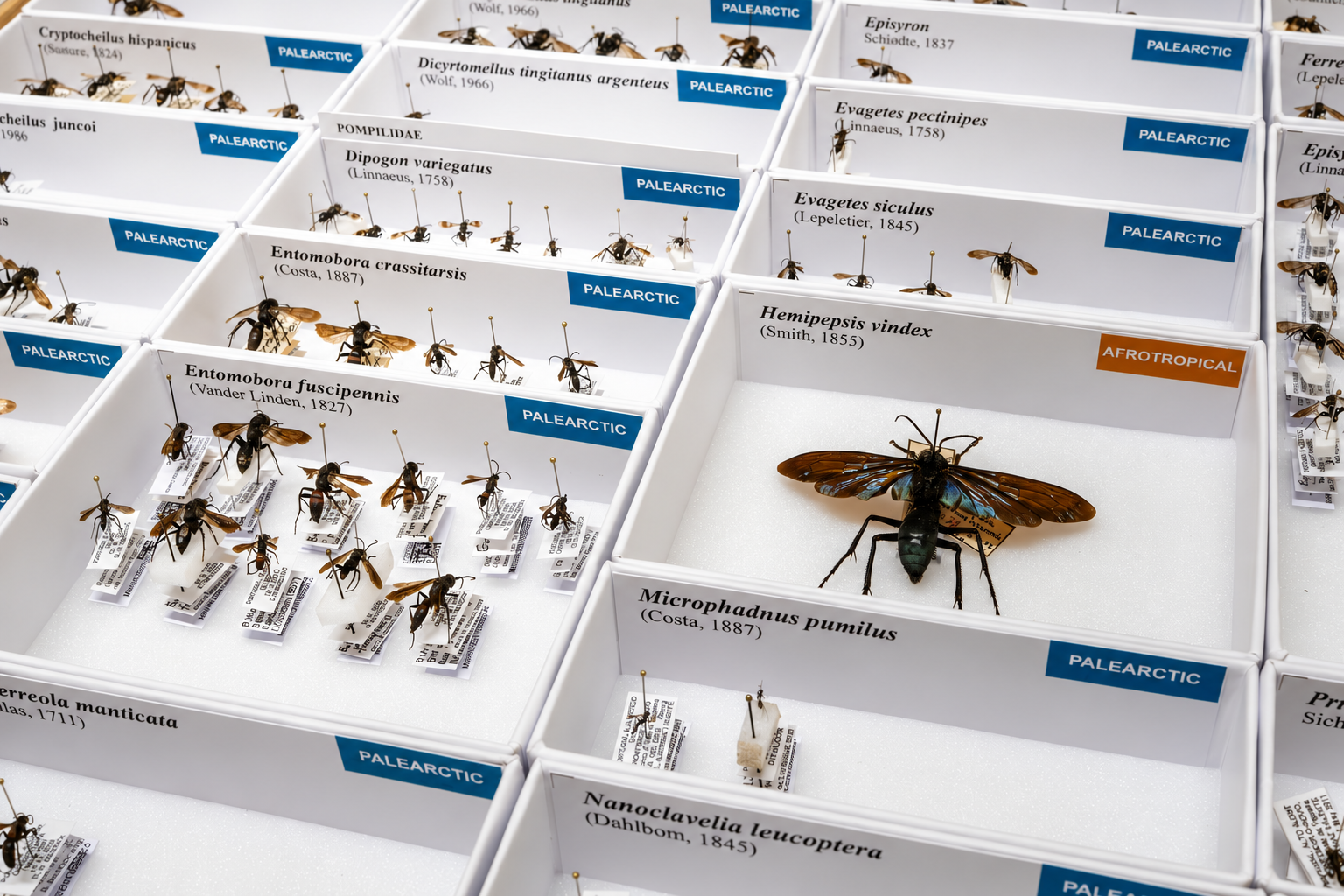
From traditional specimen collections to specialized research materials.
Insects, specimen records and collection labels.
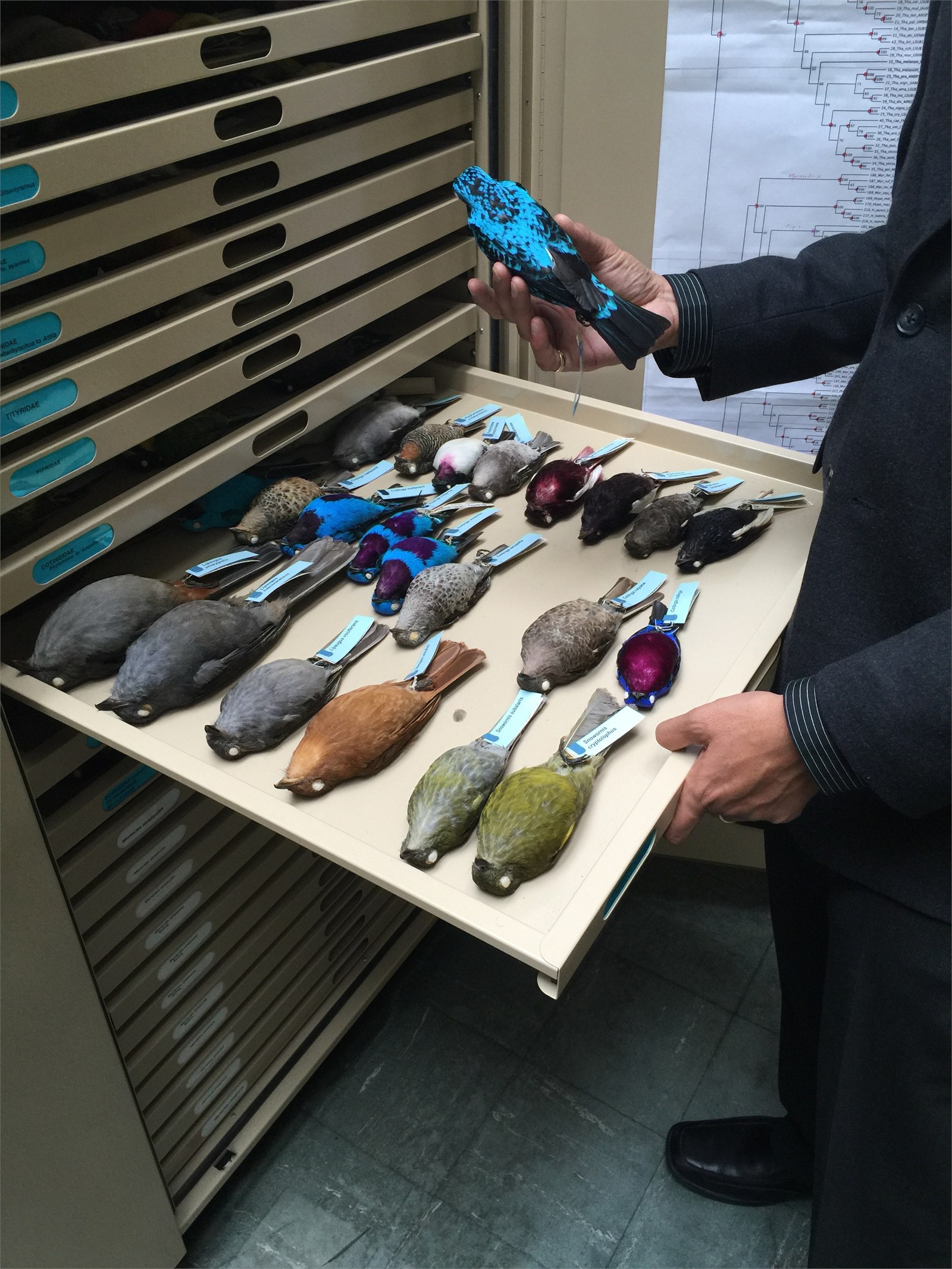
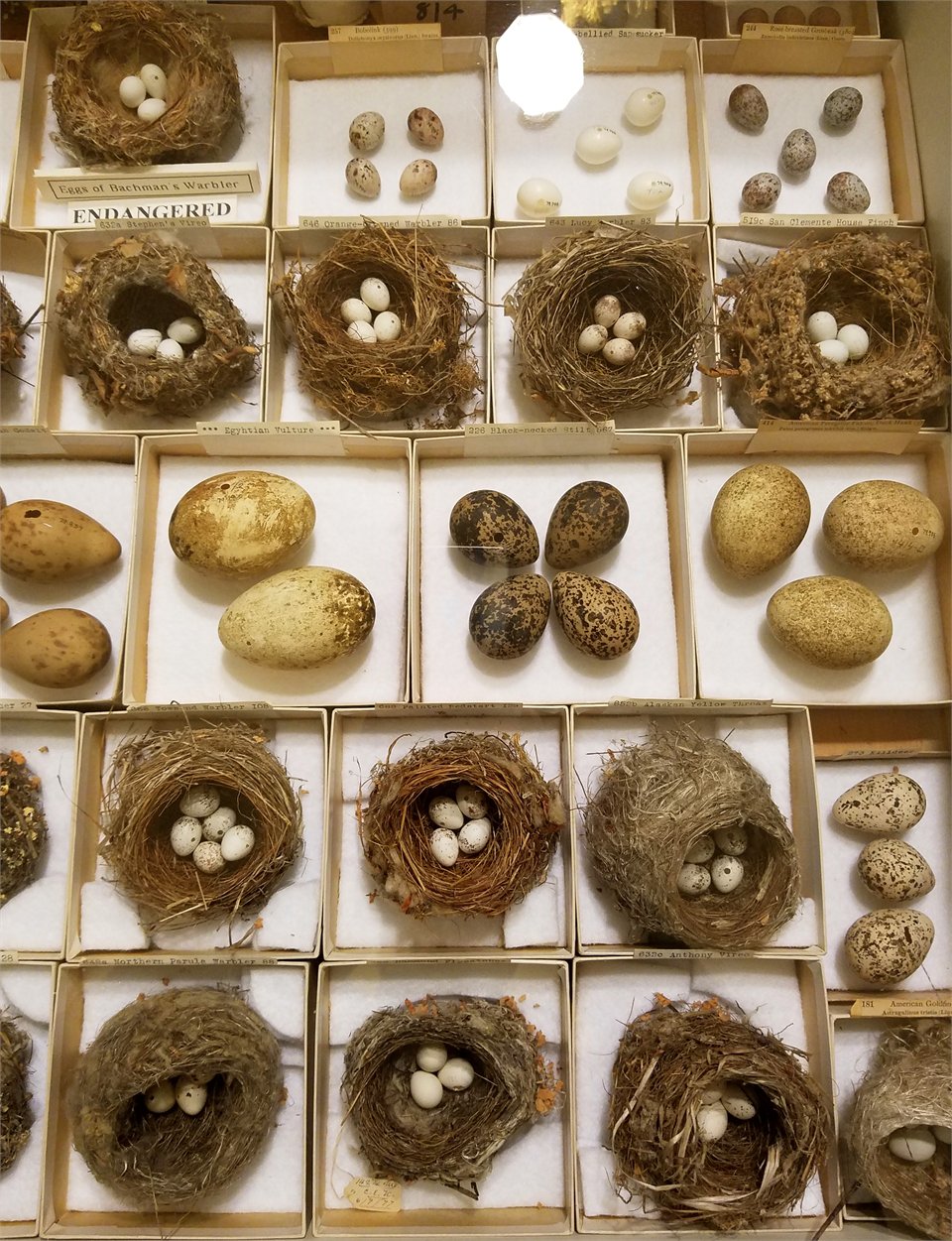
Bird specimens, identifiers and two-sided labels.
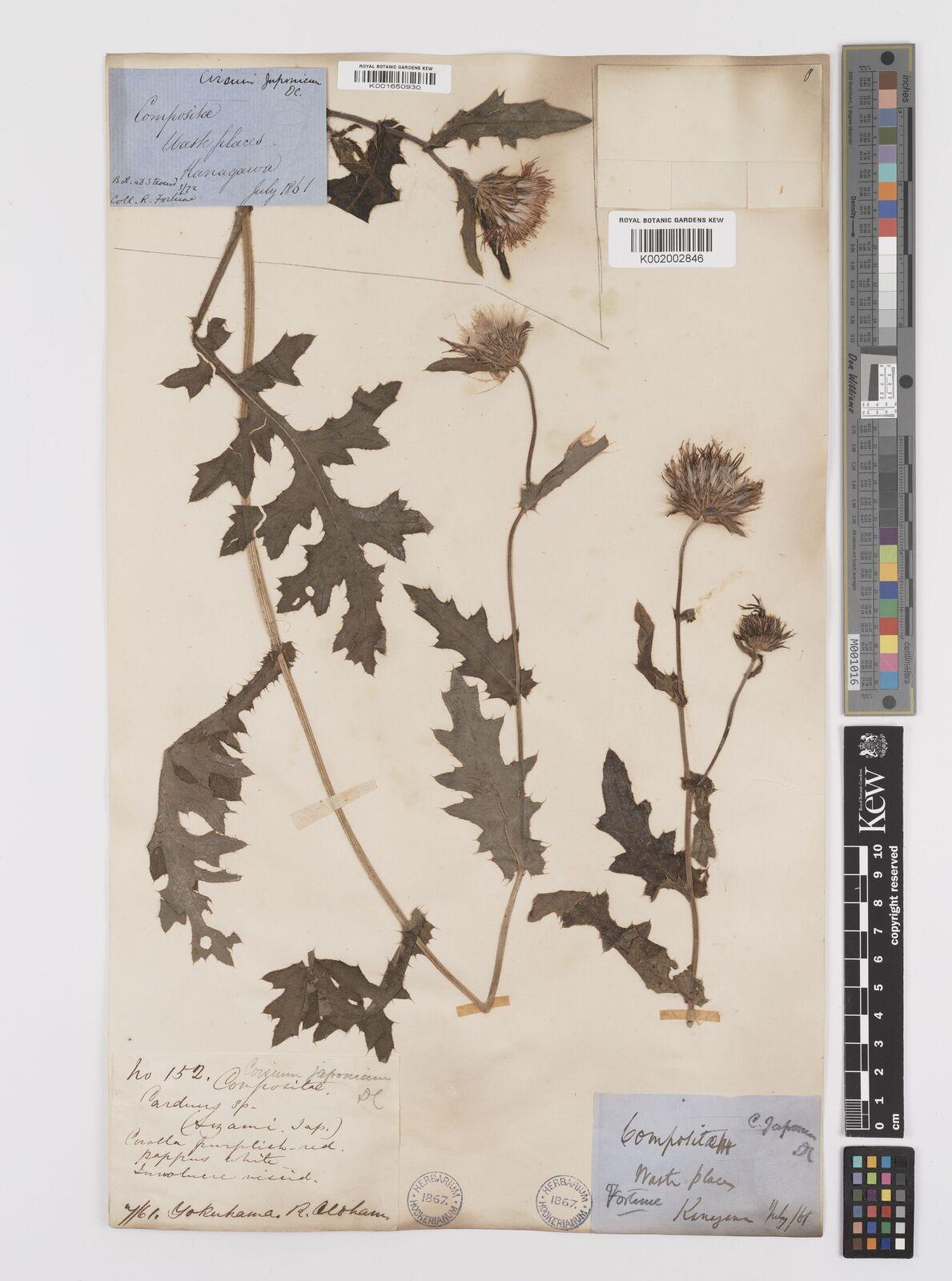
Botanical specimens and structured collection data.
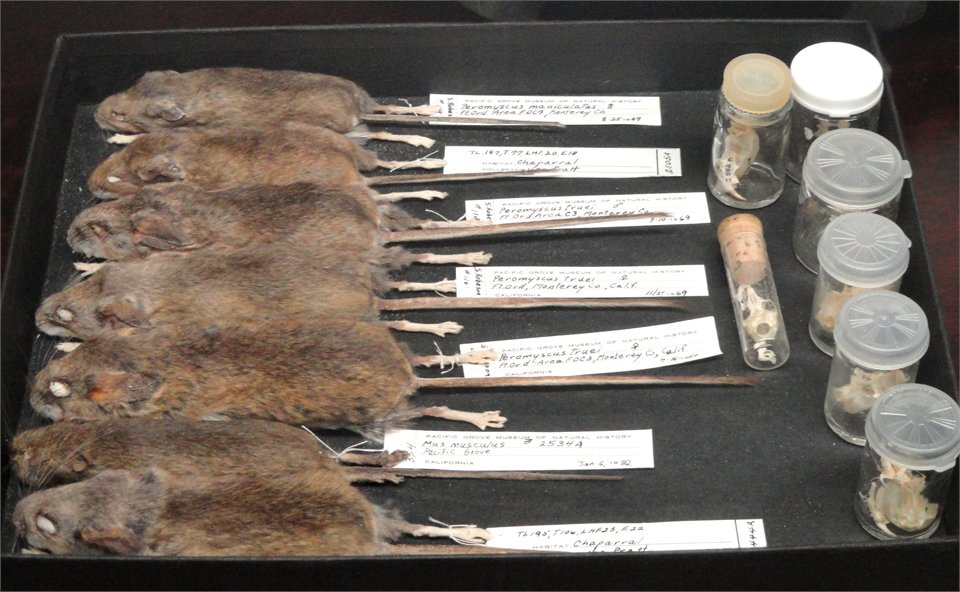
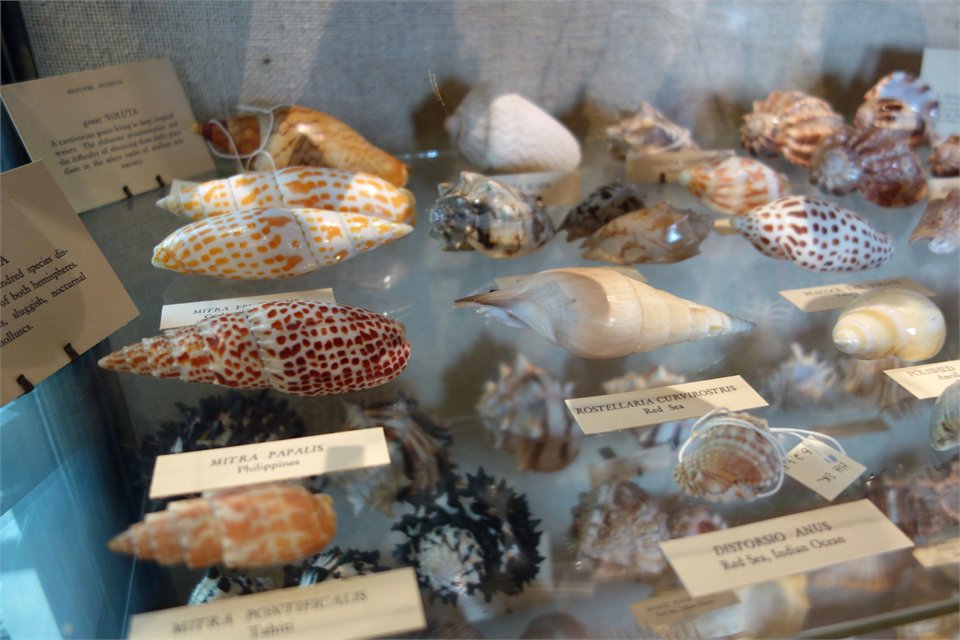
Other Museum Specimens
EntomoLabels can also support labeling across a wider range of scientific collections.
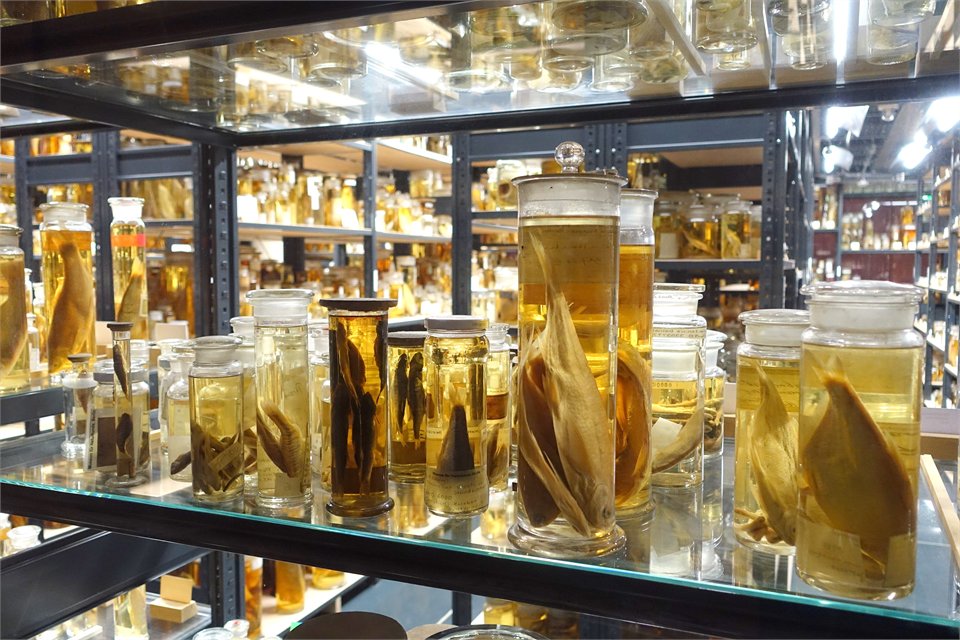
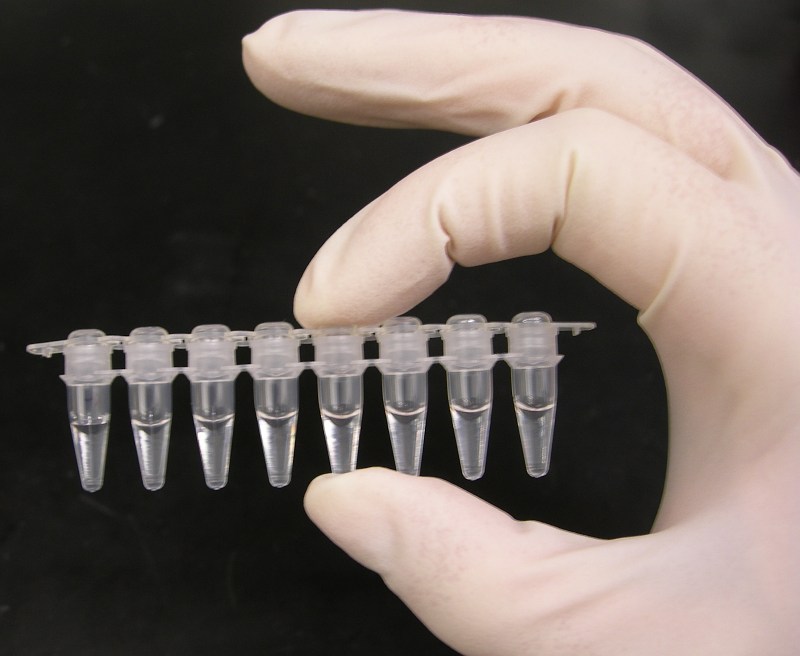
Designed around the complete label lifecycle: structure, content, identification and physical production.
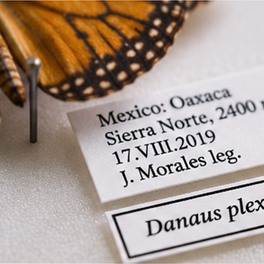
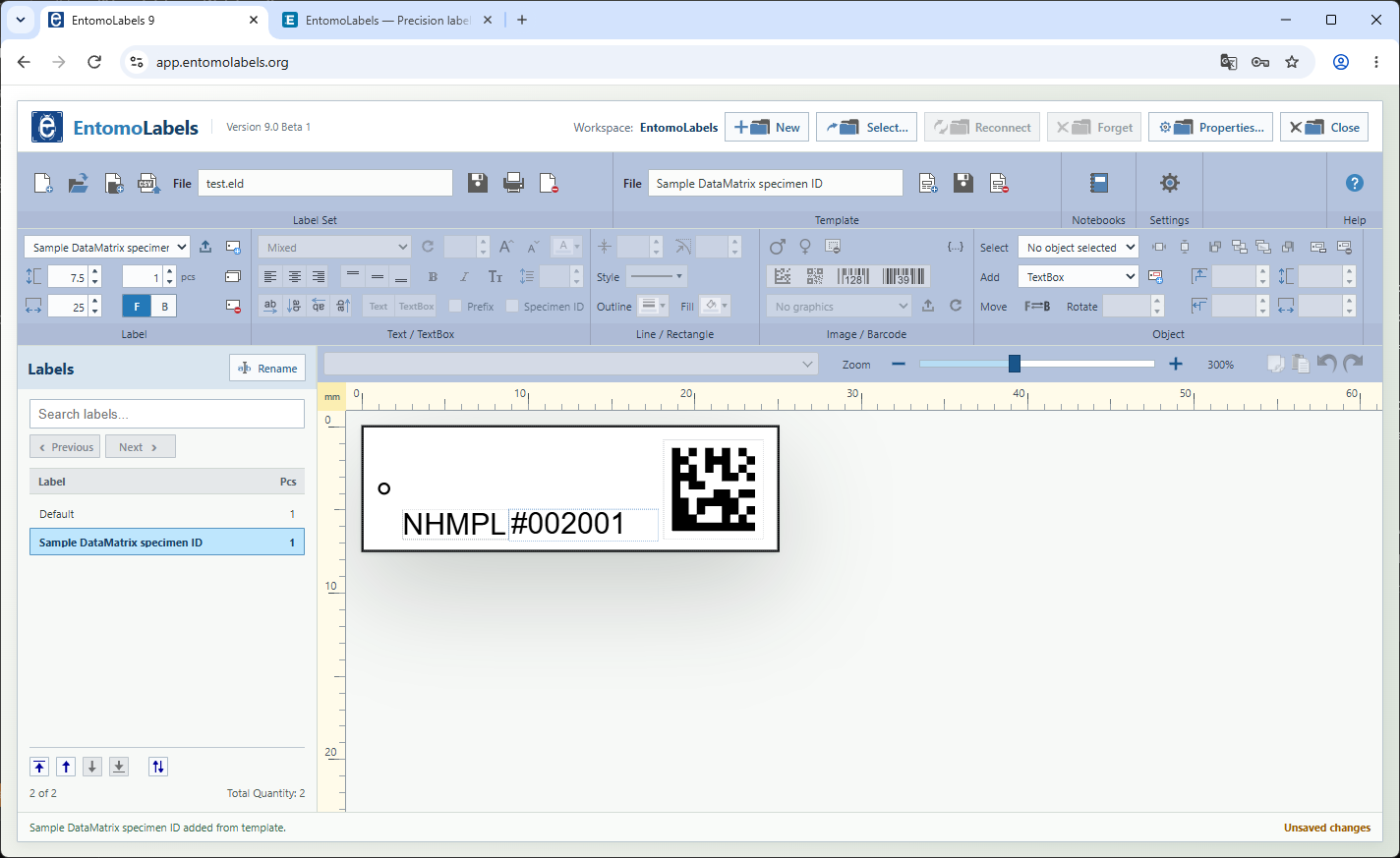
Work in physical dimensions and arrange Text, TextBox, Graphics, Rectangle and Line elements with object-level control.
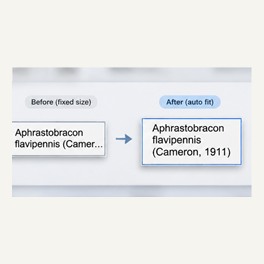
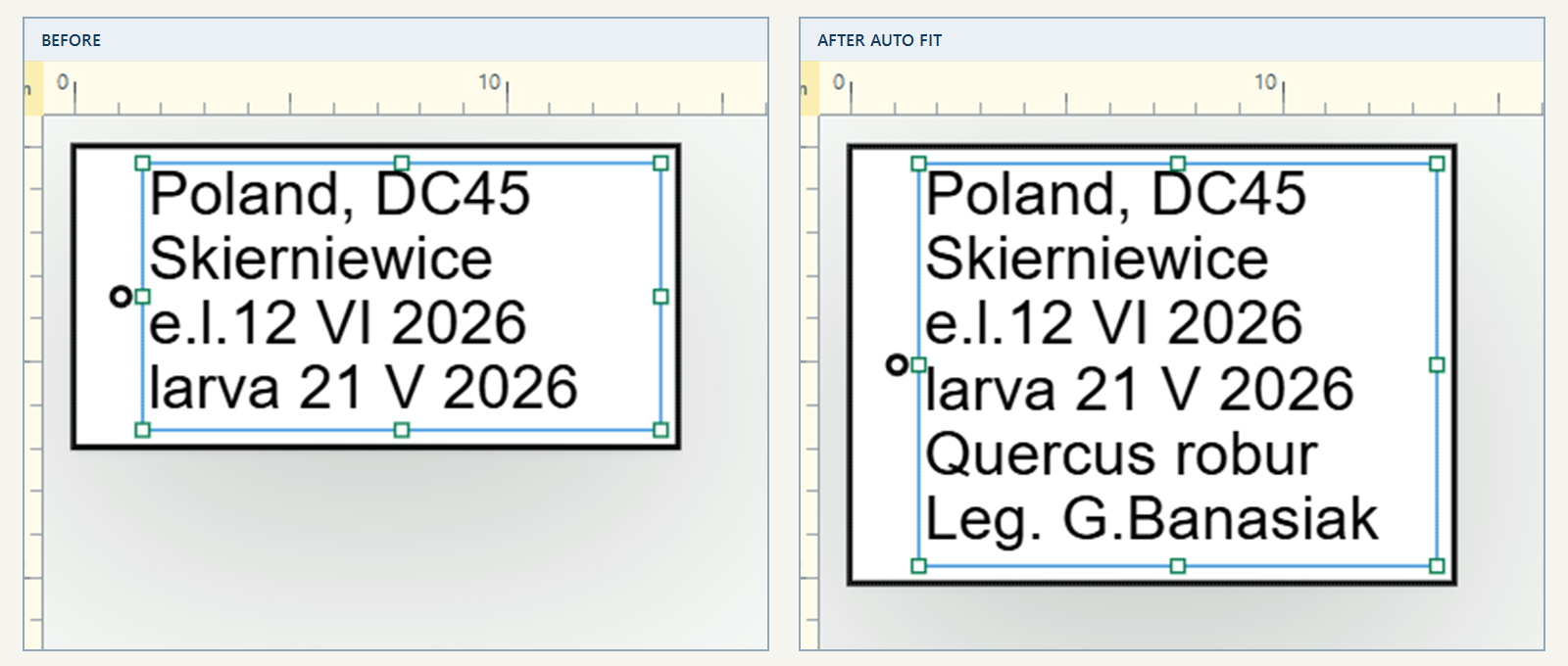
Let content expand while approved relationships, original spacing, fixed widths and maximum heights remain controlled.
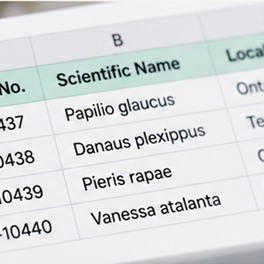
Analyze a data source, map columns to template content and preview labels before appending or replacing document data.
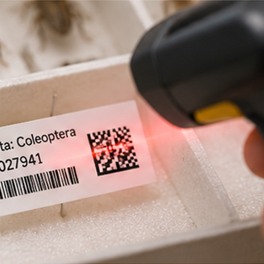
Add linear (1D) Code 39 and Code 128 barcodes, or two-dimensional (2D) DataMatrix and QR Code identifiers, for specimen and collection workflows.
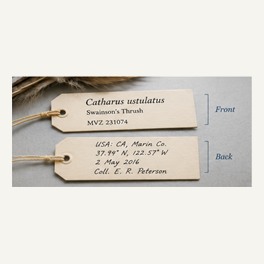
Prepare coordinated two-sided labels while keeping the content, layer order and output of each side clear.
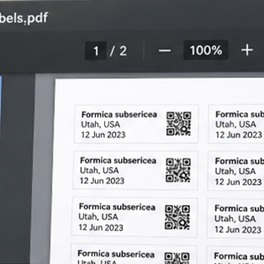
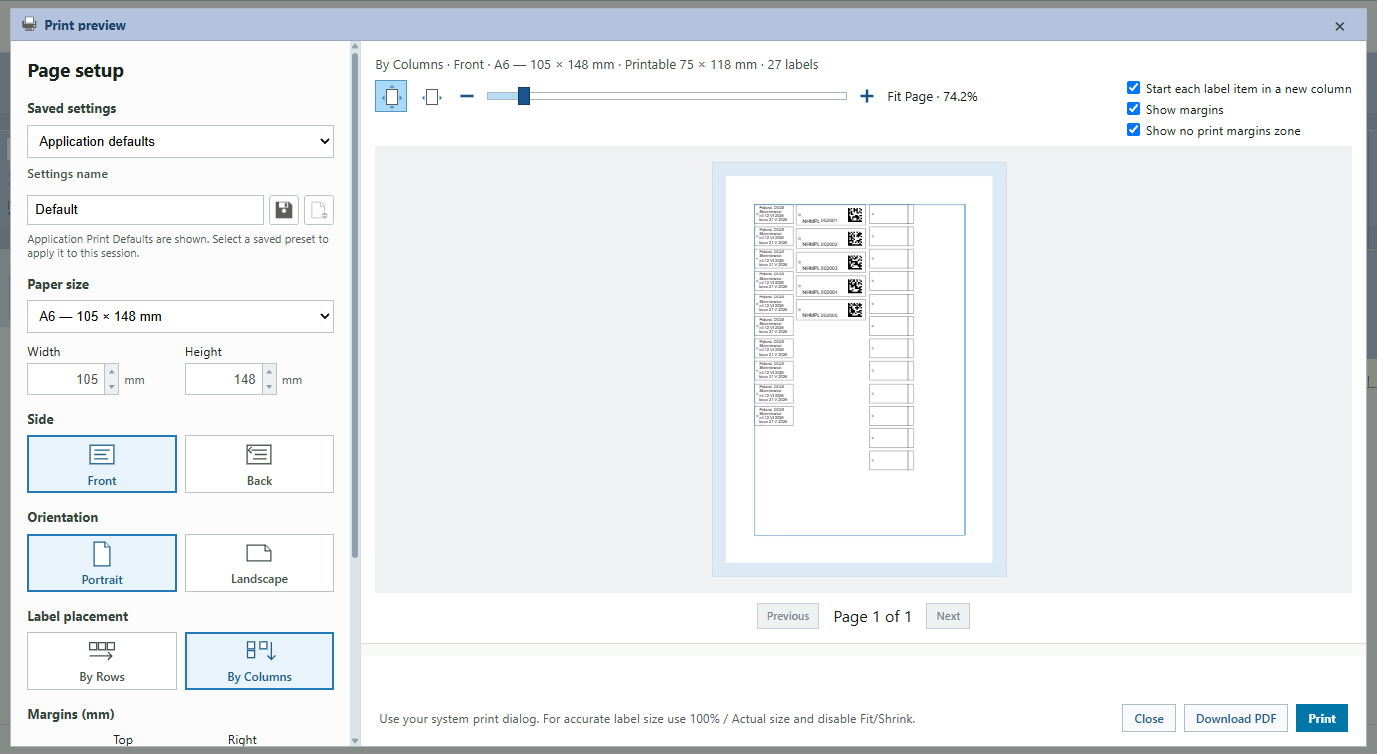
Arrange labels by rows or columns, inspect margins and gaps, then print through the browser or download a prepared PDF.
From specimen to label
A label is the compact, physical expression of a structured collection record.
Illustrative example
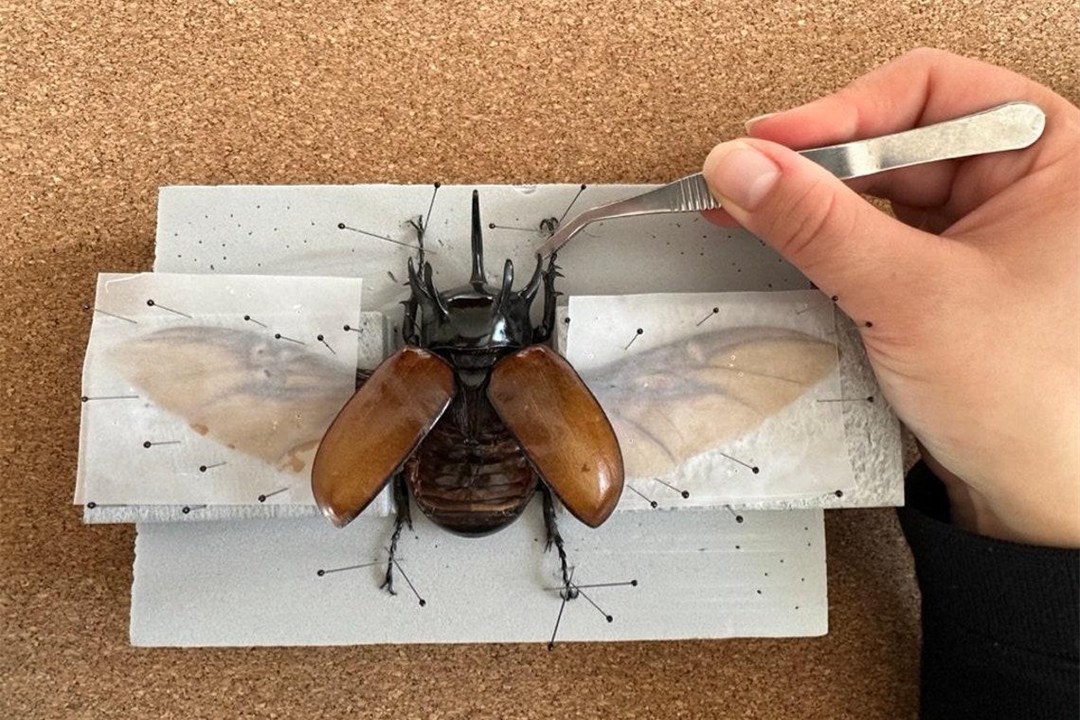
A specimen enters the collection with field and identification data.
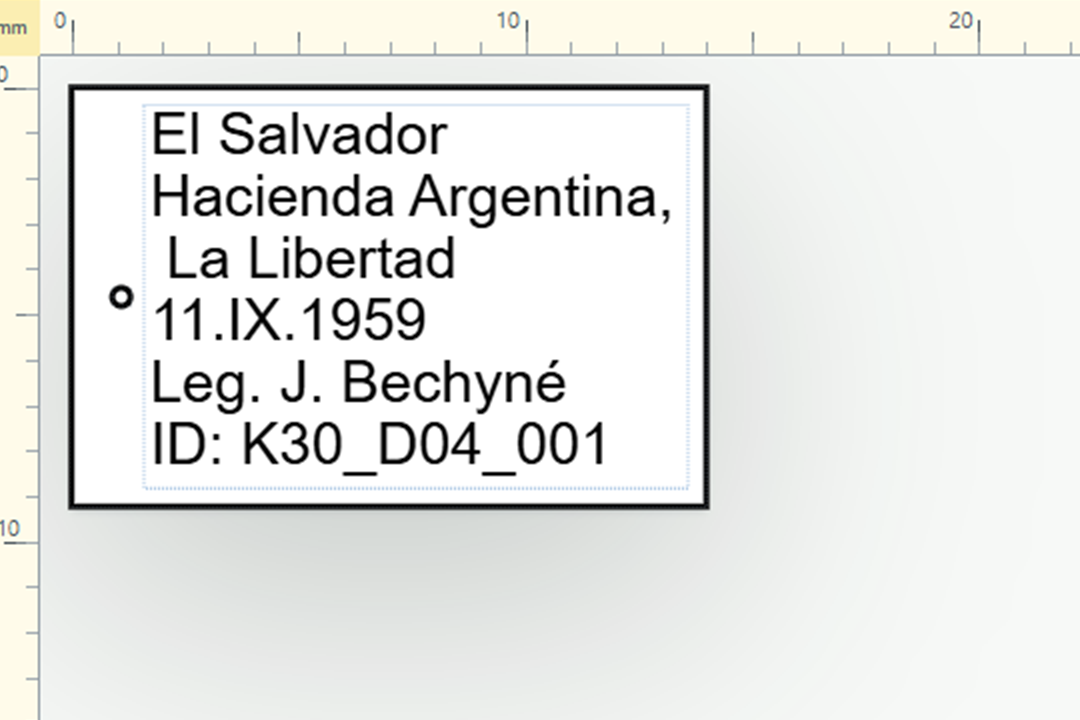
Synthetic demonstration data—not a record for the photographed museum specimens.
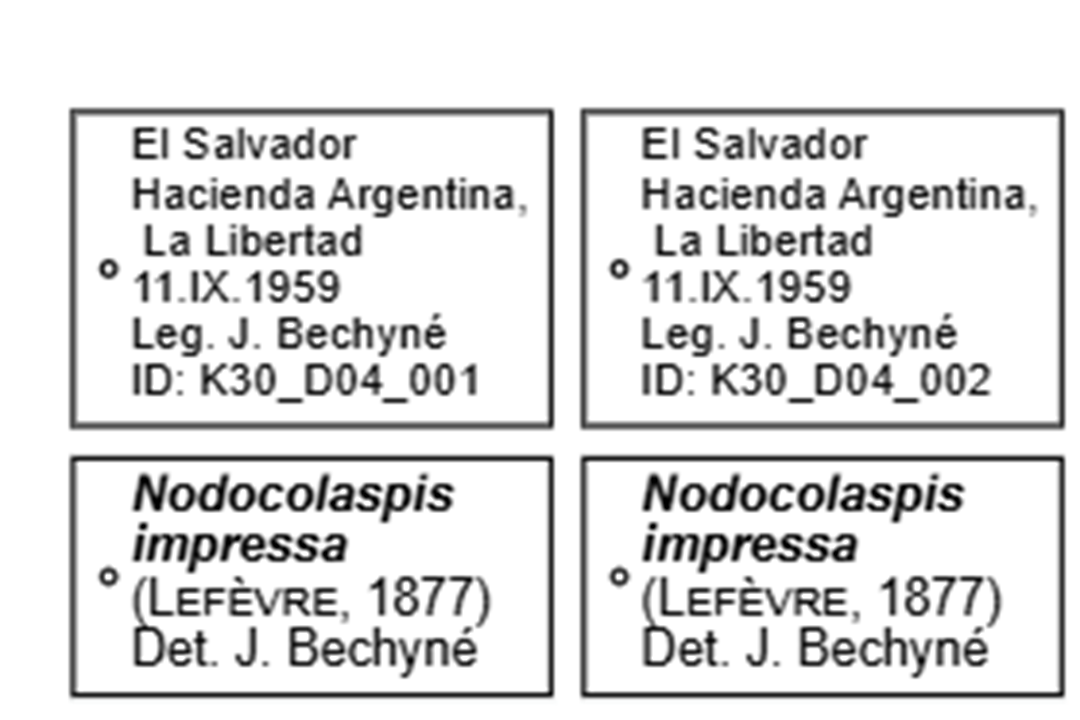
A reusable template turns the approved fields into a compact, readable physical label.
Sample Templates
Explore ready-made label templates for scientific collections, including standard and Dynamic Layout examples.
Explore ready-to-use templates, download sample files, and follow practical step-by-step tutorials.
Getting started
The browser application works with a local Workspace that you explicitly select. A Workspace created by EntomoLabels for Windows can also be connected.
Open the browser application using the established application address.
Select a local folder and grant the browser the requested file access.
Choose a reusable ELT template or prepare one for your collection workflow.
Edit labels directly or map structured CSV/TXT fields to template content.
Review labels on the Canvas, use Auto Fit where configured, then open Print Preview or PDF output.
Contact & feedback
EntomoLabels is developed with scientific collections in mind. Questions, suggestions and feedback from researchers and collection curators are always welcome.